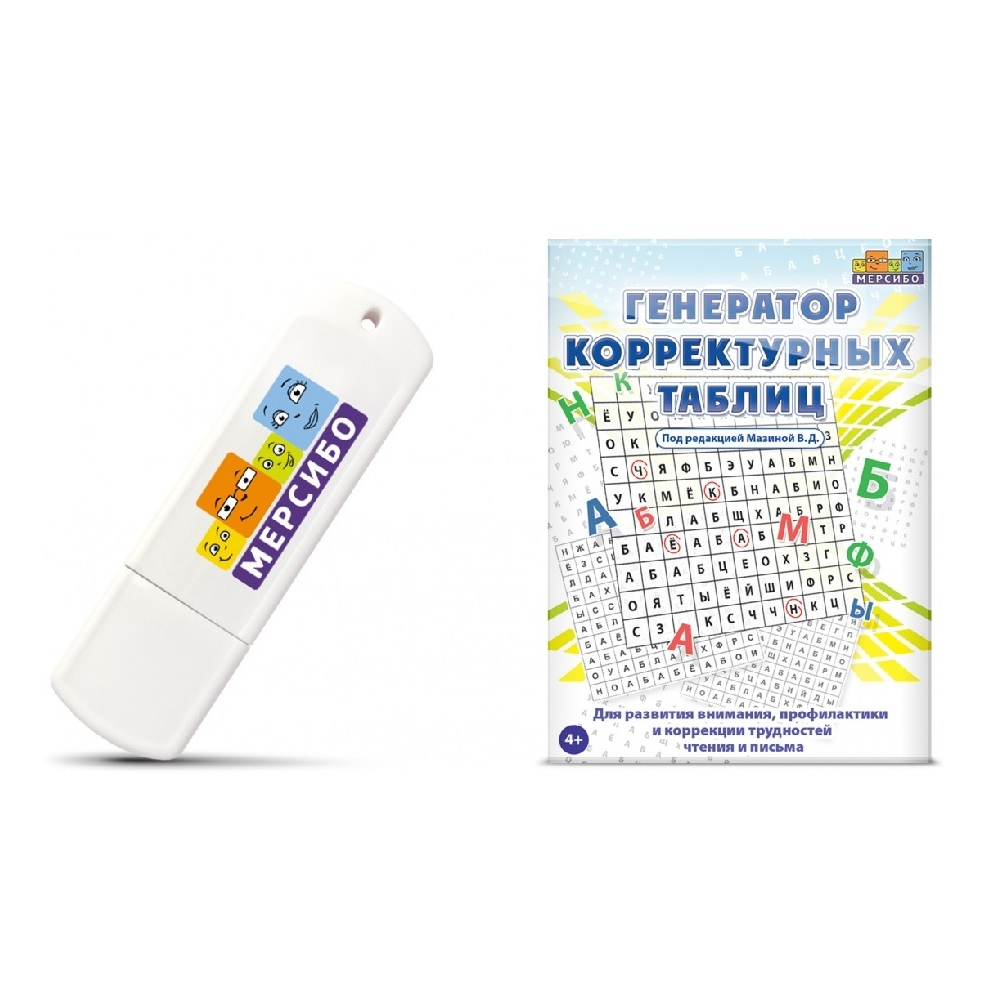
Mersibo Software: Correction Table Generator
The proofreading table generator is a program that will help you quickly create proofreading tables of any complexity to solve a wide range of problems. They will help to consolidate the image of letters, the ability not to mix optically similar letters, remember the writing of stable combinations, compose fillwords and solve other educational, developmental and correctional tasks. The main advantage of the program is its independence from ready-made materials that are not suitable for you. You no longer have to look for proofreading tables or struggle with creating them - a couple of clicks, and the manual you need is ready! The program will be needed by primary school teachers, educators, psychologists, school preparation and reading specialists. The tables are suitable for working with any children: with and without developmental disabilities, from 4 years old. Conventionally, the Generator can be divided into several large blocks Creating tables Library of manuals Interactive activities Children's profiles 1. Creating tables Despite the rich functionality, the program interface is simple and intuitive: make 2-3 experimental tables and you will completely master it. Creating a table can be compared to writing a recipe for a dish. We decide what we want to prepare: we think over the idea of the manual (development of attention, spelling training, etc.). We take convenient dishes: set the parameters of the table (type and size). We collect the necessary ingredients: we select the elements (letters, numbers, etc.) that will be included in the table. We write a recipe: we set the rules by which the child will work with the table. That's it, your recipe is ready! Now children can practice the exercise as many times as they want. We have simplified many steps to speed up the process. For example, you don’t have to manually drag each element into its cell - the generator will arrange them independently, taking into account your preferences. There is also no need to write the task manually: you select the desired action from the list, and the text of the task is generated automatically. But they also left room for creativity. For example, you can arrange the elements in the table in your own order and write your own assignment. 2. Library of manuals Saved manuals go into your collection in the library. The library also has a collection of 150 manuals from Veronica Mazina, a speech therapist specializing in working with reading and writing disorders. Each workbook can be printed, edited, deleted, or opened for interactive use. You can also save the manuals to your computer or upload them to the Generator as a file. In this case, the file can be edited or interacted with it interactively. This is convenient if your colleagues have a Generator and you share benefits with each other. 3. Interactive classes You don’t have to type assignments every time, but study directly at the computer. You will no longer have to save paper and printer ink, and the characters in the table will always be bright and large. In interactive classes, you have access to opportunities that are not available when practicing on paper. For example, call for help from a cartoon character who will cheer up the child, turn on the check for incorrect answers to immediately sort out the result, mix the symbols in the table so that the child does not perform the task from memory, simplify or complicate the task, and other opportunities. 4. Children's profiles A child’s profile is a card with a first and last name, where the results of interactive activities are “added”. The generator not only creates tables, but also records the results of studying with them: the percentage of correct answers, the percentage of errors and the time spent. Thanks to this, you will be able to track the dynamics of the child’s skill development, demonstrate it to parents, and include it in your reports and presentations.
- Child age: from 3 to 7 years
- Electronic media: USB
- Minimum technical requirements: Computer running Windows 8 or higher, MS Word 2013 or higher, or Adobe Reader
- Production: Russia
- Warranty: 12 months