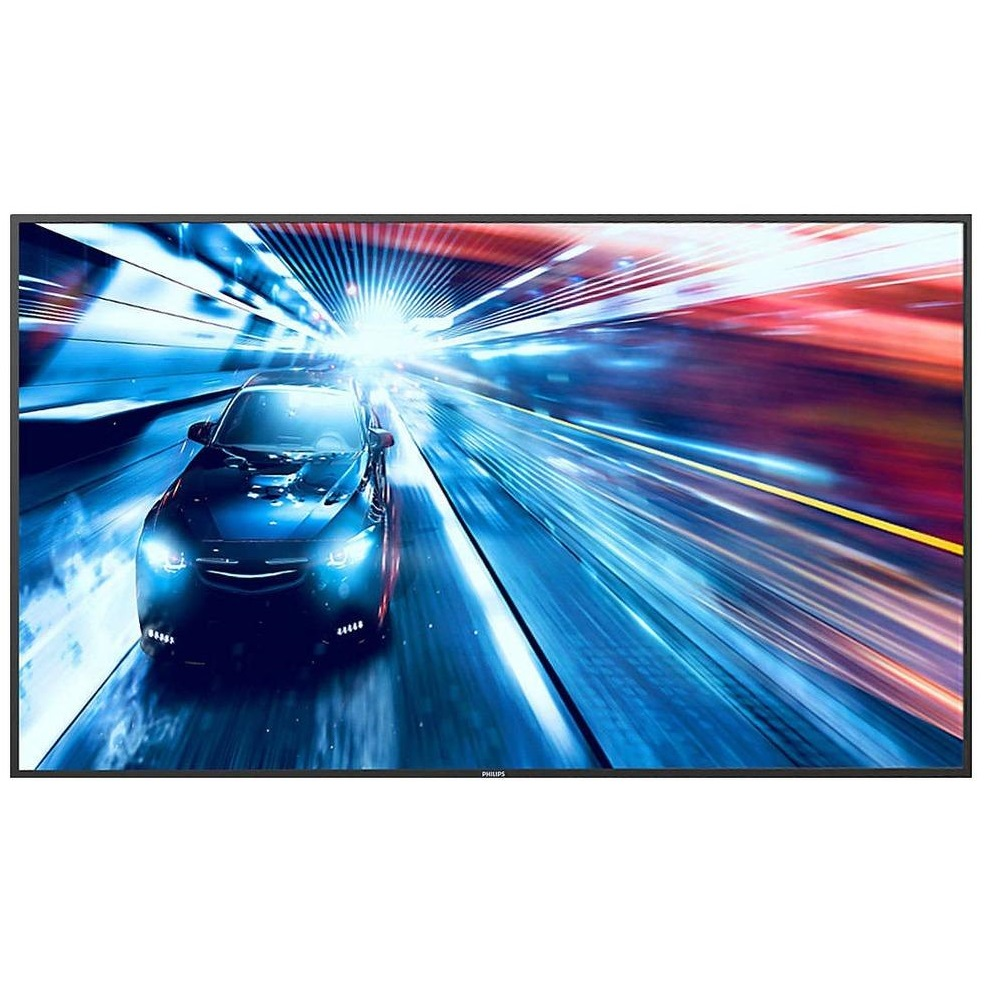
Professional panel Philips 55BDL3050Q/00
Show off incredibly clear images with the Philips 55BDL3050Q/00 Professional Panel. With high reliability and performance and low power consumption, it ensures uncompromising quality in any project. Incredible viewing experience with Signage Solutions displays that deliver 4x the resolution of Full HD. The 3840 x 2160 pixel resolution creates clear, lifelike images that open a window to a new world. The backlight intensity can be adjusted and preset by the system, which reduces power consumption by 50%, which has a significant impact on costs. The panel based on Android, one of the most advanced operating systems, allows you to store any application in the display memory. You can also use the rich library of Android apps. With the scheduling feature, you can schedule apps and content to display based on your customers' needs and time of day. Auto-orientation feature allows you to easily select portrait or landscape display mode. CMND is a robust display management platform that allows you to update and organize content with CMND & Create or change settings with CMND & Control. Keep everything under control with CMND. CMND & Control provides centralized control of multiple displays. With remote monitoring, display configuration and software updates, and the ability to set up and configure multiple displays simultaneously, such as video walls or split-screen systems, you're guaranteed the ultimate display network management experience. Design and create compelling content with the powerful CMND & Create tool. The Drag and Drop interface, loaded templates and built-in widgets allow you to create impressive content that will grab the attention of your customers. Supports portrait and landscape modes. Connect and manage content via cloud storage using the built-in HTML5 browser. Organize advertising content online and connect to it through the display or the entire configured network. Simply connect to the network using an RJ45 internet cable and establish a connection to the display via the appropriate URL. Now you can start working with cloud content. Schedule content playback just the way you like with SmartPlayer. Turn your USB device into a truly cost-effective advertising board. Simply save the desired content (video, audio, images) to a USB drive and connect to the display. Create a playlist, set playback times for content using the OSD menu, and enjoy your own playlists anytime, anywhere.
- Matrix type: AMVA
- Screen diagonal, inches: 55
- Aspect Ratio: 16:9
- Resolution: 3840x2160
- Brightness: 350 cd/m2
- Contrast (type, value): 4000:1
- Video HDMI input: 2
- Video DVI-D input: 1
- Video VGA D-sub 15 pin input: 1
- Video VGA D-sub 15 pin output: 1
- SD Card: Yes
- Audio input (Mini Jack 3.5 mm): 1
- Audio output (Mini Jack 3.5 mm): 1
- Audio output (RCAx2 L-Rx1): 1
- RS-232: 1
- RJ-45: 1
- IR port: 1
- USB 2.0: 1
- Continuous operation time: 18/7 hours
- Panel operation in “portrait” mode: No
- File playback: Yes
- Viewing from USB media: Yes
- Video wall support: No
- OPS expansion slot: No
- Built-in memory: 8 GB eMMC, 2 GB DDR3
- Operating system: Android 5.1
- Built-in Speakers: Yes
- Total speaker power: 20 W
- Standard Contents: AC Power Cord, RS232 Cable, Quick Start Guide, Remote Control Batteries, Remote Control, IR Sensor Cable (1.8 m)
- Case color: Black
- Mounting type (VESA): 400x200
- Frame right: 12.9 mm
- Frame left: 12.9 mm
- Bezel top: 12.9 mm
- Bottom frame: 14.7 mm
- Seam width between panels at the joint: 25.80
- Case width: 1239.2 mm
- Case height: 711.6 mm
- Case depth: 61.7 mm
- Weight: 15.96 kg