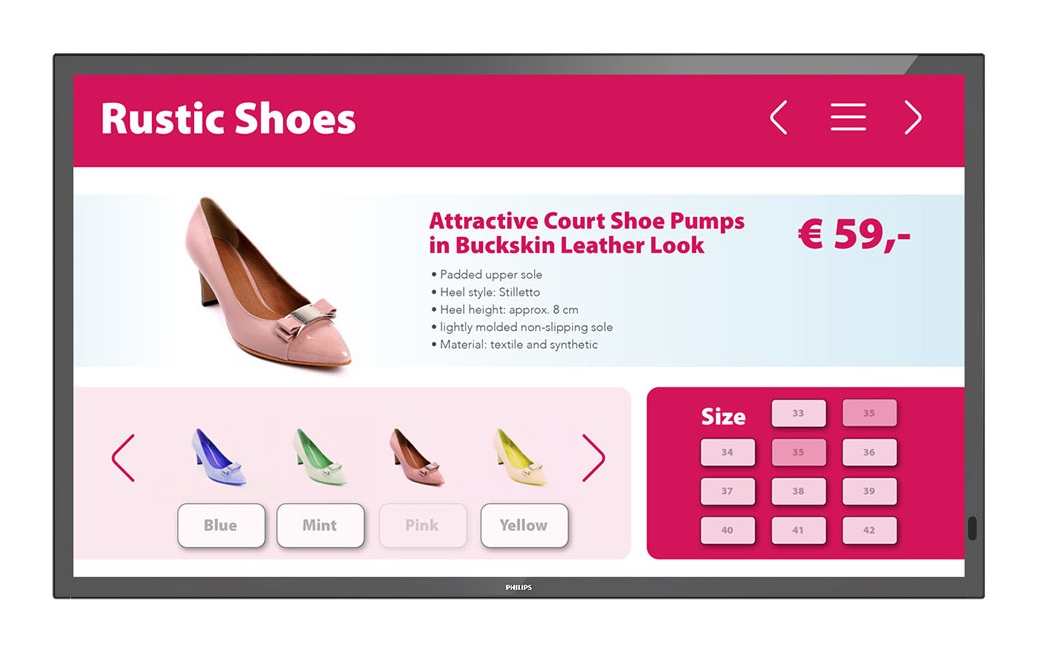
Interactive panel Philips 55BDL3452T/00
Work together and communicate information. The Philips 55BDL3452T/00 interactive panel is ideal for multi-user work - from route finding to presentations. You can use up to 20 touch points simultaneously. Connect your displays to your network using a LAN connection. CMND & Control allows you to perform important functions such as controlling input jacks and monitoring display status. And it doesn’t matter how many displays are on the network - one or a hundred. Manage your content with CMND & Create. The touch interface makes it easy to publish your own content, be it a digital analogue of a sign or a brand and information about the company. Pre-installed templates and integrated widgets allow you to quickly add and customize the display of photos, text and video. Whether the display is installed in a lobby or a conference room, missing images can be a real problem. The FailOver feature allows the Philips Professional Display to automatically switch between primary and backup sources so that content does not stop playing if the primary source is suddenly disconnected. Simply set up a list of alternative sources so that the screen always shows the content you want. Quickly install and launch apps remotely, even when you're away from the display. CMND & Deploy allows you to add and update your apps and apps from the Philips Professional Display app store. Simply scan the QR code, log into the store and click on the app you want to install. The application will be automatically downloaded and launched. Save and play content without having to constantly use an external player. Your Philips Professional Display has internal memory that allows you to load media onto it for display or playback. The internal memory also acts as a buffer when streaming online content. Control your display via an internet connection. Android-based Philips panels are optimized to run native apps, but web apps are also available to install on the display. The new Android 8 OS will ensure software security and allow you to update it to the latest version for a longer time.
- Diagonal: 55"
- Matrix technology: IPS
- Panel Resolution: 3840 x 2160
- Image format: 16:9
- Brightness: 400 cd/m
- Coeff. contrast ratio: 1300:1
- Viewing angles: 178
- Surface Treatment: Anti-glare
- Response time (typical): 8ms
- Display colors: 16.7 million
- Protective glass: 3mm tempered safety glass
- Operating system: Android 8.0
- Features: 3/2 – 2/2 Mode Motion Pull Down 3D comb filter Motion compensation, deinterlacing Progressive scanning 3D MA deinterlacing Dynamic contrast enhancement
- Multi-touch: 20 simultaneously active touch points
- Plug and play standard: Support HID standard
- Inputs: DVI-D (x1) HDMI 2.0 (x2) USB 2.0 (Type A) (x2) USB 2.0 (Type B) (x1) VGA (Analog D-Sub) (x1) 3.5mm Jack (x1)
- Outputs: 3.5 mm jack
- External control: RJ45 IR connector (input/output) 3.5 mm RS232C connector (input/output) 2.5 mm
- Other connections: micro SD OPS
- Built-in player: CPU/processor 2 x A53 + 2 x A73 GPU ARM Mali G51 Memory 2 GB DDR3, 8 GB Wi-Fi
- Built-in speakers: 2 x 10 W
- Orientation: Landscape, portrait mode
- VESA Mount: 400 x 400 mm, M6
- Power Consumption (Typical): 140 W
- Power consumption (max): 270 W
- Operating conditions: Temperature range (operation) 0~40 °C Relative humidity 20–60% Mean time between failures 50,000 hours Altitude 0–3000 m Temperature range (storage) -20–60 °C
- Frame Width: 16.3mm (Top/Left/Right/Bottom)
- Dimensions w/h/d: 1272.6/743.4/75.5 (depth with wall mount) / 81.7 (depth with external OPS unit) mm.
- Weight: 18.54 kg