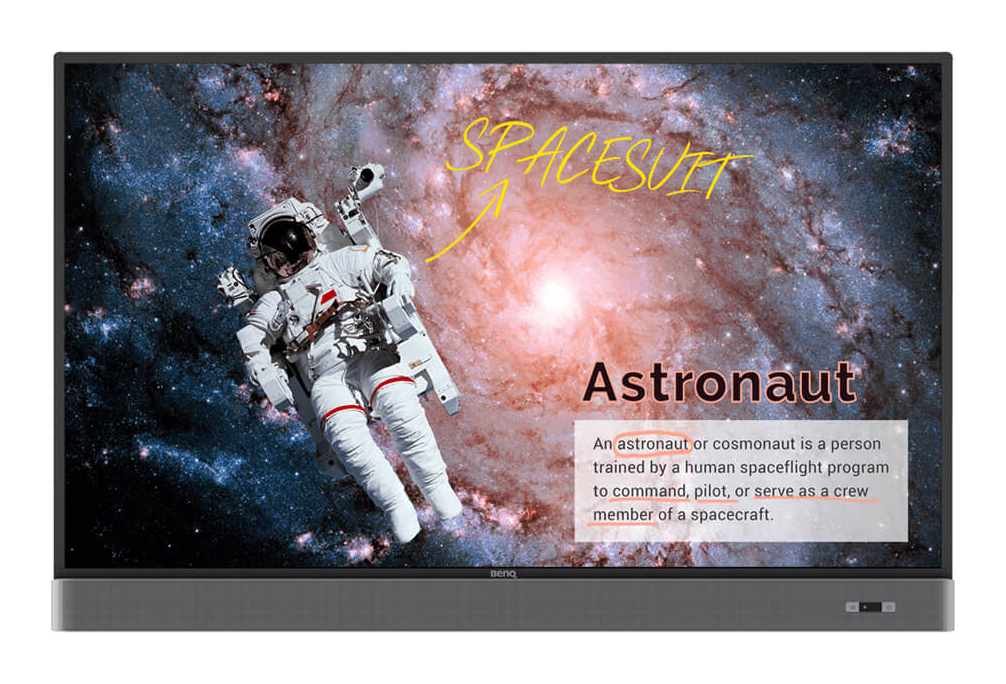
Benq RM8603 Interactive Panel
The Benq RM8603 Interactive Panel enhances the classroom experience and creates a healthy and engaging learning environment. The panel is equipped with Eye-Care technology and can be used as a cloud-based interactive whiteboard for the school, allowing students and teachers to participate in classes regardless of their location or electronic devices used. The interactive panel is a solution for an entertaining and rich learning process, where each student can express himself through active interaction not only with the teacher, but also with other students. Cloud-powered EZWrite 5.0 makes collaboration much easier by helping participants share ideas and notes no matter where they are by displaying all comments on the whiteboard. Additionally, through AMS (Account Management), presenters or teachers can access content hosted in the cloud and immediately begin collaborating or teaching on the BenQ interactive dashboard. BenQ EZWrite 5.0's easy note-taking and annotation feature opens up opportunities for a variety of interactions while working or studying. The EZWrite Cloud Whiteboard allows you to collect, categorize, edit, and share notes on your dashboard screen via mobile devices, keeping students actively engaged in the learning process. With EZWrite's pop-up toolbar, you can take snapshots of any area of the image shown on the screen, including content from apps, websites, and videos. You can then import the image into EZWrite 5.0 and continue working with the resulting image on a new page. EZWrite 5.0 allows two users to simultaneously take notes or draw in different colors using two stylus pens, making it ideal for active classroom activities. EZWrite 5.0 is ideal for developing students' creativity in art lessons. Thanks to the brush mode, students get a full realistic painting experience, just like using real painting tools. X-Sign Broadcast is a wireless information distribution system that allows you to display alerts, messages and alerts during meetings or activities. Unlike traditional messaging systems, X-Sign Broadcast delivers messages and group notifications instantly. The X-Sign Broadcast application is the next generation information center. It allows you to manage classroom content from any electronic device, reaching your target audience with ease. The Group Notifications feature allows you to use X-Sign Broadcast to send messages to specific screens, in one classroom or throughout the school. This ensures that information reaches recipients with less time and effort.
- Diagonal: 86
- Matrix technology, backlight type: IPS D-LED
- Resolution: 3840 x 2160
- Brightness, cd/m²: 450
- Contrast: 1200:1
- Sensor type: Infrared
- Number of touches: 20
- Opening hours: 18/7
- Portrait mode: No
- Built-in player: Yes
- Wi-Fi: Option
- Built-in memory: 32 GB
- Operating system (OS): Android
- Inputs: 3 HDMI, 5 USB, 6 USB, VGA (D-sub 15pin), Audio In, RS232С, RJ45
- Outputs: Audio out, HDMI
- OPS slot: OPS
- Speakers: Yes
- Features: Touch, 4K, Android 9 OS, G3 antibacterial coating, SoundBar, PenTray, wall mount, Lan, EZ-write 6, Instashare 2.0, AMS
- VESA: 600 x 400
- Frame size (T/B/L/R), mm: 16.6/16.6/16.6/16.6
- Width, mm: 1962
- Height, mm: 1203
- Depth, mm: 121
- Weight, kg: 68.5